

Signal Reports Starts the Chart with the Work Already Done.
Documentation that helps crews turn patient capture, medications, procedures, narrative, refusals, and incident context into a complete draft.
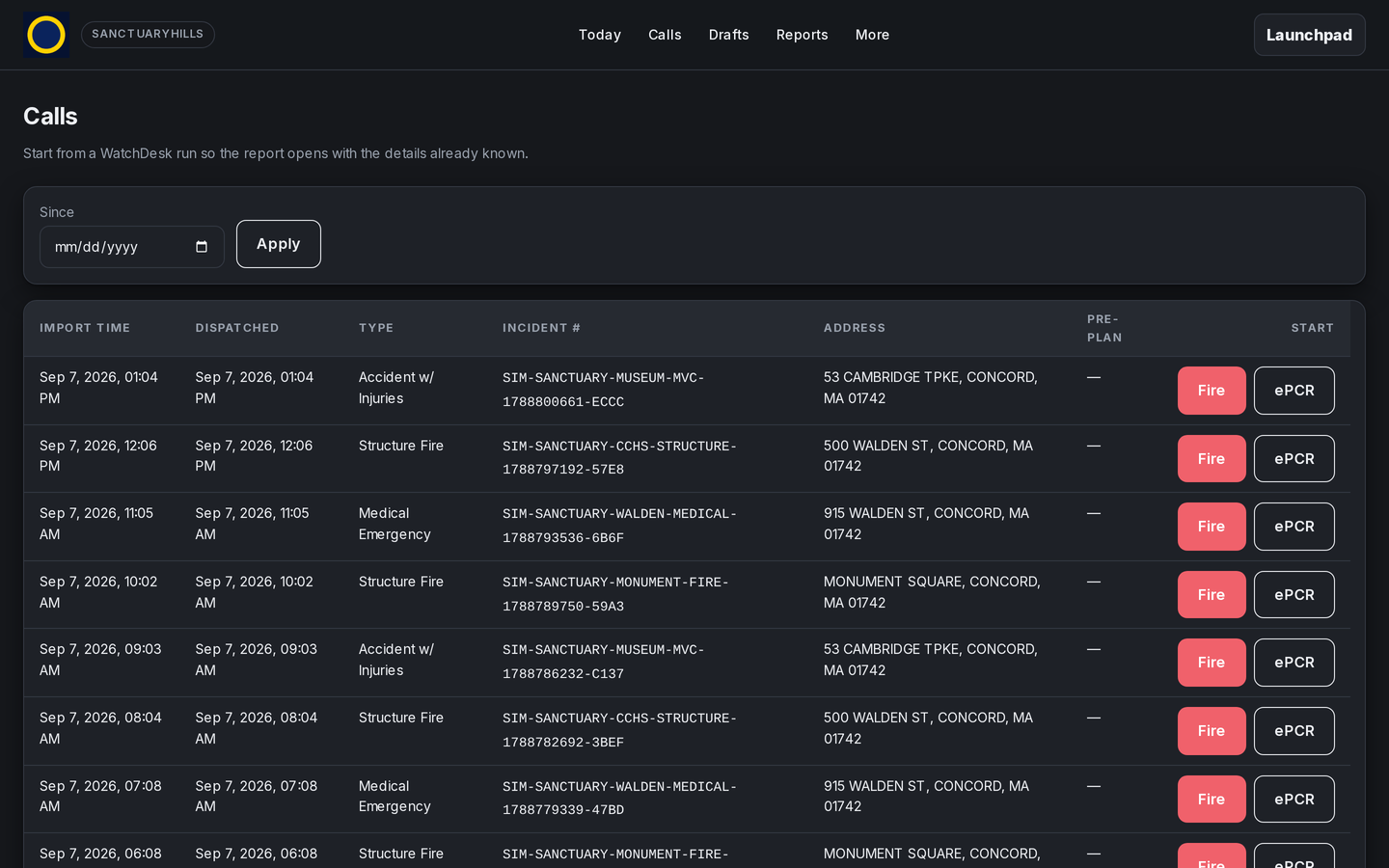
Carry Facts Forward
Pull care activity into the report instead of asking crews to rebuild the call from scratch.
Catch Gaps Early
Required-field checks and completion scoring show what still needs attention.
Make Hard Calls Cleaner
Quick tools keep refusal, capacity, and supporting documentation close to the chart.
Review with Clarity
Give reviewers a clear view of chart status and the details that need follow-through.
A Quieter Path From Patient Care to Finished Draft.
The section list stays available while crews work, and quick tools stay close without covering the report.
RX activity, patient details, vitals, meds, procedures, narrative, and disposition all have a place in the same flow.
Completion checks use NEMSIS 3.5.1 and NERIS value sets to surface gaps during review. Signal Reports does not submit to Ohio EMSIRS, NEMSIS, or NERIS today; onboarding maps your department's submission requirements with you.
For Chiefs Comparing Fire and EMS Reporting Software.
Give crews a place to complete ePCR and incident documentation while the details of the call are still fresh.
Explore the fire and EMS reporting workflow and the clinical tools that support it.